Restaurant POS Software in India: Features, Costs and How to Choose (2026 Guide)
A comprehensive guide for Indian restaurateurs evaluating POS systems in 2026. Compare legacy desktop vs cloud POS, essential GST & KOT features, and real pricing structures.
Dineezy Team
13 Oct 2026 · 6 min read
On this page19 sections
- The Evolution of Restaurant Billing in India
- Basic Billing Software vs. Modern Restaurant POS Systems
- 7 Essential Features Every Indian Restaurant POS Must Have
- 1. High-Speed Billing and Fast Table Settlement
- 2. Multi-Station Kitchen Order Ticket (KOT) Routing
- 3. Integrated Dine-In Table Management
- 4. Direct Online Ordering & Zero-Commission Sync
- 5. Multi-User Access Controls & Fraud Prevention
- 6. Automated Indian GST Compliance & Reports
- 7. Real-Time Cloud Reporting Across Outlets
- Cloud POS vs. Traditional Desktop POS: Practical Trade-Offs
- Evaluating POS Software by Restaurant Format
- Typical Restaurant POS Costs in India
- Vendor Evaluation Checklist Before You Buy
- Frequently Asked Questions
- Can a cloud POS work if the restaurant internet disconnects?
- What hardware is required to run modern POS software?
- How does Dineezy fit into modern restaurant operations?
- The Strategic Decision for Restaurant Owners
The Evolution of Restaurant Billing in India
Ten years ago, a restaurant POS in India was little more than a bulky desktop machine sitting by the cash counter, running offline software that printed paper bills and calculated basic totals.
In 2026, restaurant operations look radically different. An average casual dining restaurant or cloud kitchen in Mumbai, Bengaluru, or Delhi operates across multiple simultaneous revenue streams: dine-in tables, QR-code orders, direct takeaway, and high-volume delivery dispatch.
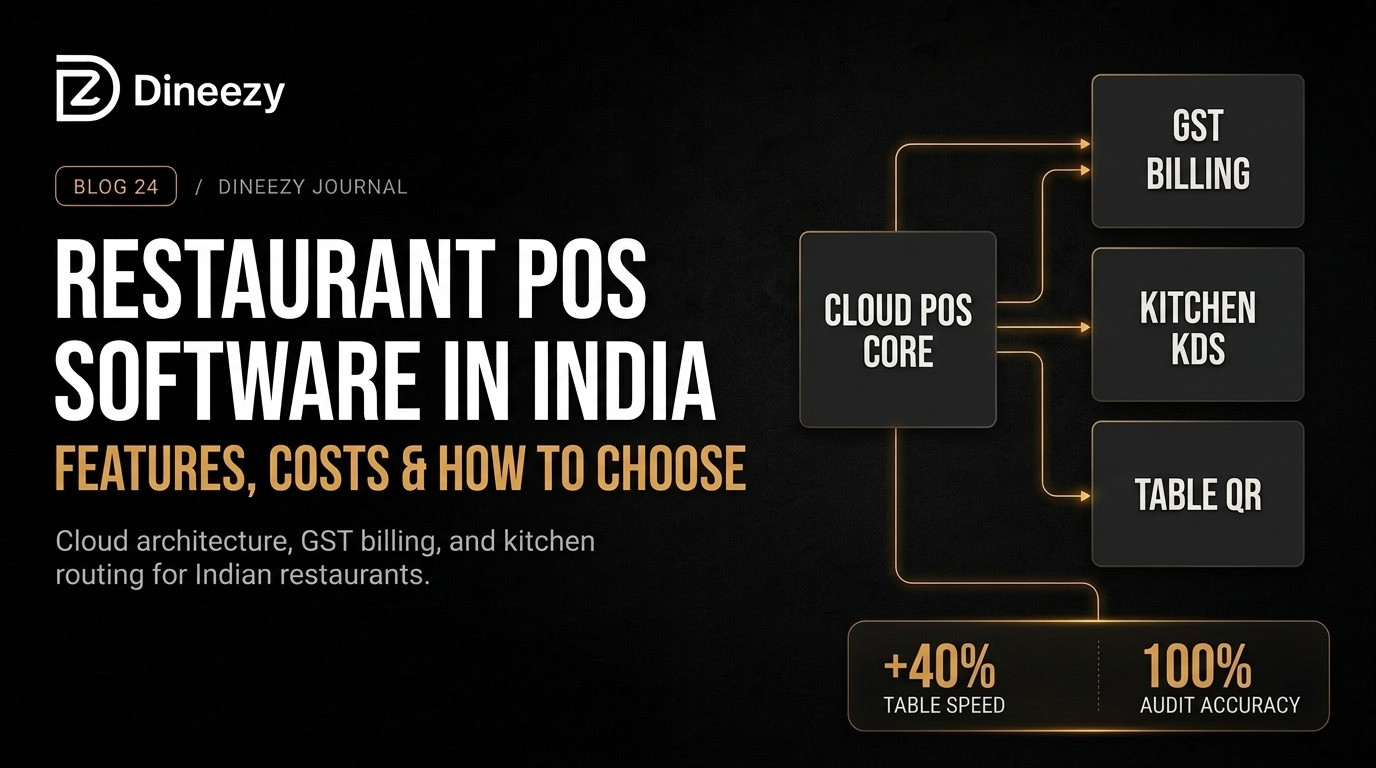
A modern Restaurant POS (Point of Sale) system is no longer just a digital cash register. It functions as the central operating engine connecting front-of-house service, kitchen preparation stations, inventory stores, and GST accounting.
Choosing the wrong POS system leads to order bottlenecks during weekend rushes, revenue leakage from untracked voids, and frustrated diners waiting ten minutes just to settle their bills.
Basic Billing Software vs. Modern Restaurant POS Systems
Before investing in software, it is vital to distinguish between a simple retail billing program and a purpose-built restaurant management POS:
- Basic Billing Software: Generates simple tax receipts and totals daily cash collections. It lacks table layout management, Kitchen Order Ticket (KOT) routing, multi-station kitchen display coordination, and recipe-level inventory deduction.
- Restaurant Management POS: Tracks guest seatings, assigns tables, splits orders across kitchen prep stations, handles modifier notes (such as spice levels and Jain options), synchronizes direct online orders, logs void reasons, and tracks ingredient consumption in real time.
7 Essential Features Every Indian Restaurant POS Must Have
When auditing software vendors for your restaurant or cafe, verify that these core capabilities are supported natively:
1. High-Speed Billing and Fast Table Settlement
During an 8:30 PM weekend rush, every second matters. The POS must support rapid order entry with minimal clicks, split bills across diners, apply customized service charges, and process instant dynamic UPI QR codes directly on the bill receipt.
2. Multi-Station Kitchen Order Ticket (KOT) Routing
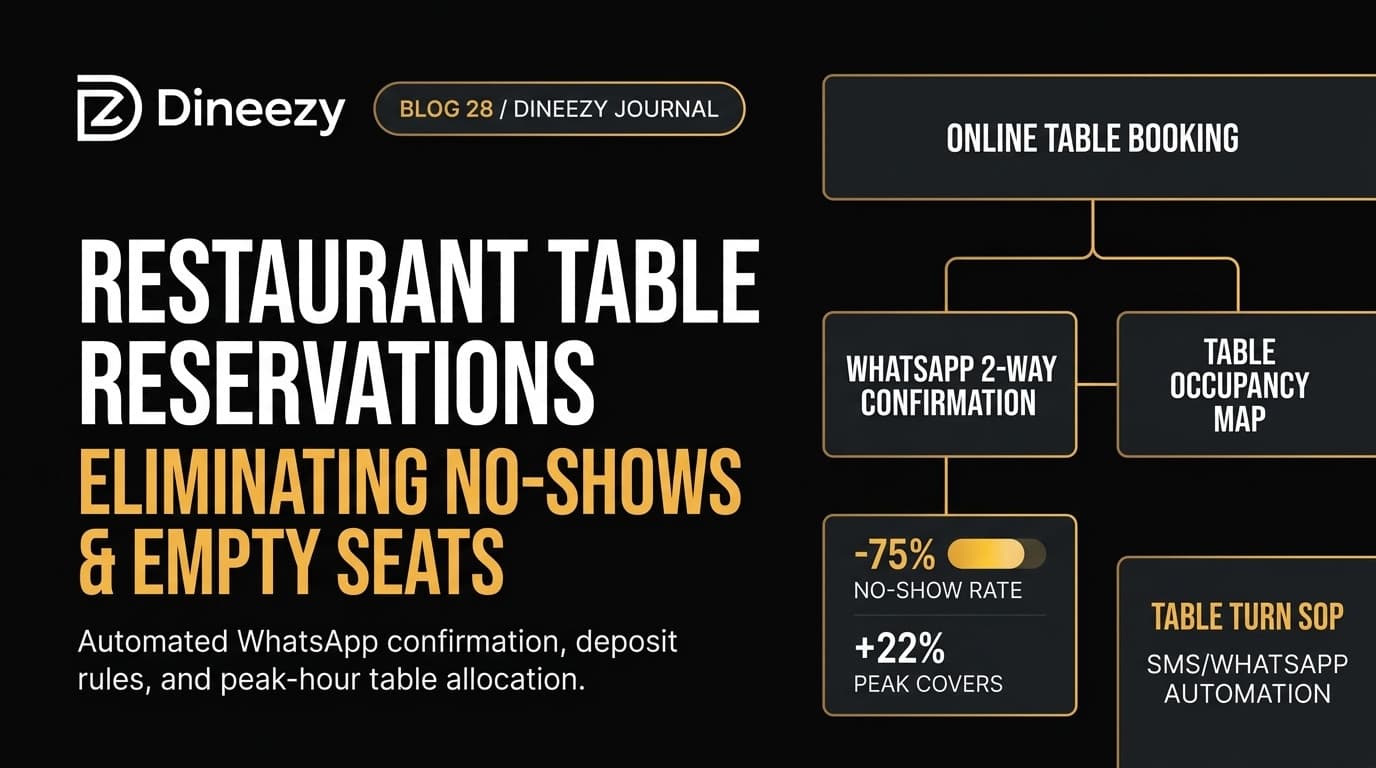
When a customer orders a cocktail, a tandoori starter, and a main course, the system must split the order instantly. Starters route to the tandoor printer or screen, drinks to the bar, and curries to the main kitchen line.
3. Integrated Dine-In Table Management
Waitstaff and floor managers need a visual, color-coded floor map showing which tables are seated, which are waiting for food, and which are ready for bill presentation.
4. Direct Online Ordering & Zero-Commission Sync
Relying solely on third-party aggregators drains 25% to 35% of order value. A forward-looking POS integrates directly with your branded direct ordering channel, sending delivery and takeaway orders straight to the kitchen without manual re-punching.
5. Multi-User Access Controls & Fraud Prevention
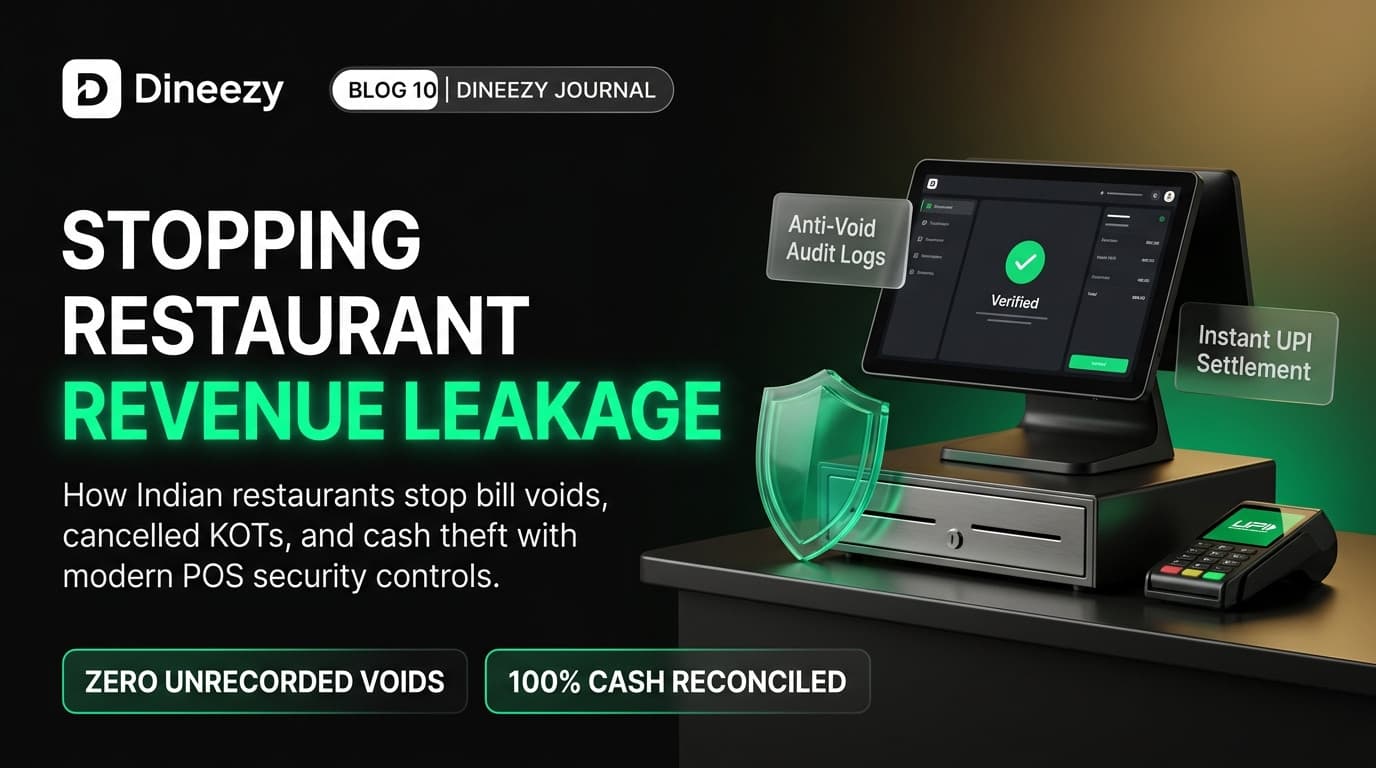
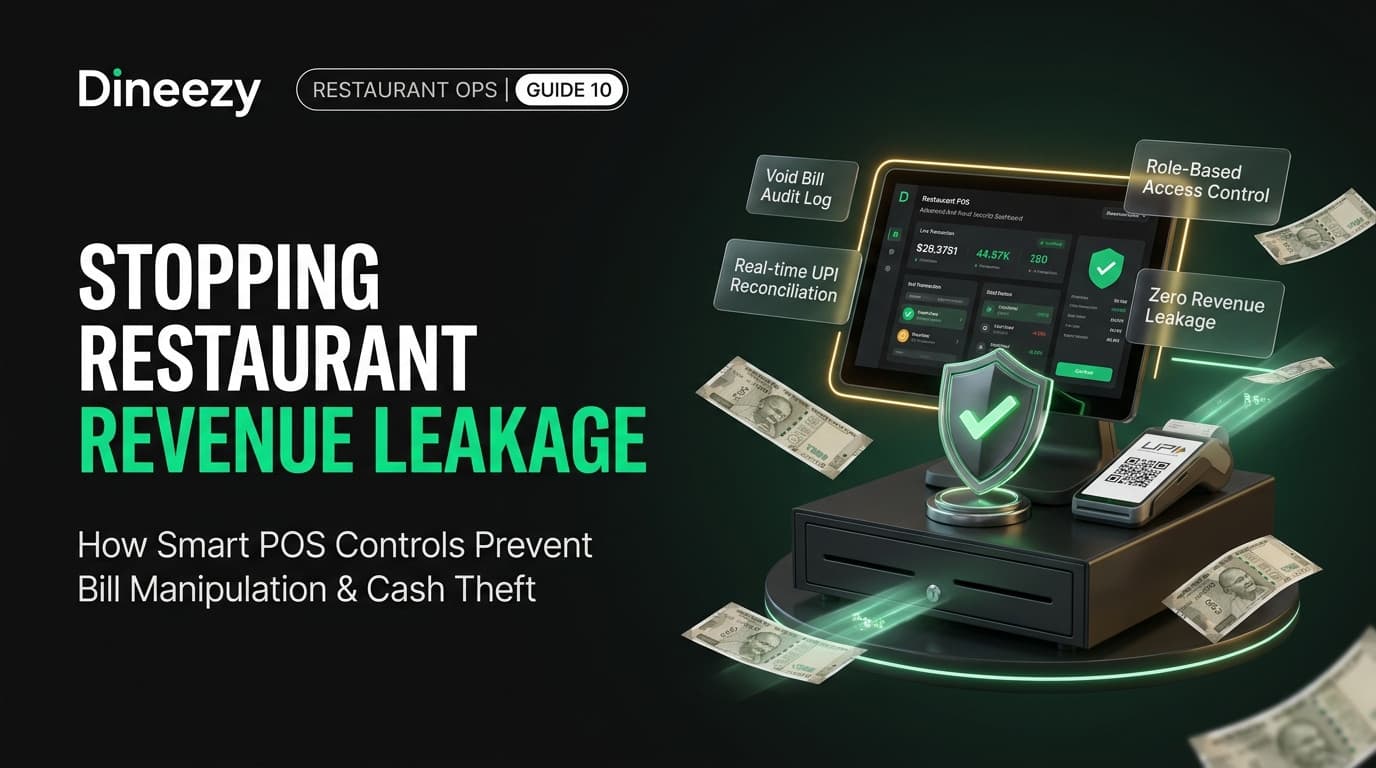
Revenue leakage often happens through unauthorized discounts, cancelled KOTs, and post-bill voids. A reliable POS restricts sensitive actions behind manager PIN authorizations and maintains an immutable audit log.
6. Automated Indian GST Compliance & Reports
Indian tax rules require precise classification between 5% restaurant GST (without ITC) and 18% rates for alcohol or packaged goods. Your POS must automatically generate itemized GST breakdowns, GSTR-1 sales summaries, and B2B invoice generation with verified GSTIN numbers.
7. Real-Time Cloud Reporting Across Outlets
Whether you run one location or five outlets, owners must be able to view live hourly sales, top-selling menu items, table turn times, and staff productivity from any smartphone without being physically present at the restaurant.
Cloud POS vs. Traditional Desktop POS: Practical Trade-Offs
| Evaluation Metric | Traditional Desktop POS | Modern Cloud-Based POS |
|---|---|---|
| Hardware Dependency | Tied to specific proprietary Windows terminals | Runs flexibly on tablets, iPads, Android POS, or laptops |
| Remote Access | None; reports must be viewed locally at the counter | Live dashboard accessible anywhere via mobile or web browser |
| Data Backup | Local hard drive; vulnerable to hardware failure or theft | Encrypted automatic cloud backups with zero data loss |
| Software Updates | Manual technician visits requiring extra service fees | Seamless automatic updates with zero operational downtime |
| Multi-Outlet Sync | Fragmented spreadsheets; manual end-of-day merging | Centralized menu, pricing, and master stock control |
| Offline Resilience | Works offline by default | Modern cloud POS stores tickets locally and syncs automatically when Wi-Fi reconnects |
Evaluating POS Software by Restaurant Format
Different food concepts require different operational priorities:
- Quick Service Restaurants (QSR) & Cafes: Priority is raw transaction speed, token numbering systems, customer-facing displays, and rapid UPI payment confirmation.
- Casual Dining & Fine Dining: Priority is detailed table maps, coursed ordering (starters first, mains later), item modifiers, waiter handheld ordering, and split bill flexibility.
- Cloud Kitchens & Delivery Hubs: Priority is multi-brand order management on a single screen, kitchen display systems (KDS), and automated rider dispatch integration.
- Multi-Outlet Regional Chains: Priority is centralized recipe management, commissary purchase order routing, franchise royalty auditing, and cross-store inventory transfers.
Typical Restaurant POS Costs in India
Restaurant POS pricing generally falls into two structures:
1. Annual SaaS Software Subscription:
Typically ranges between ₹12,000 to ₹35,000 per outlet per year depending on module depth (basic billing vs. complete inventory and multi-station KDS).
2. Hardware Investment:
- Android touchscreen terminal or commercial tablet: ₹10,000 – ₹22,000
- 3-inch thermal receipt printer (USB/LAN/Bluetooth): ₹4,500 – ₹8,500
- Thermal kitchen printer or KDS tablet: ₹6,000 – ₹12,000
- Cash drawer (optional): ₹2,500 – ₹4,000
Vendor Evaluation Checklist Before You Buy
- [ ] Does the software offer an offline mode that continues printing KOTs if the internet goes down?
- [ ] Are menu updates instant, or do they require restarting terminal machines?
- [ ] Does the vendor charge extra fees for each waiter tablet or cashier login?
- [ ] Does it support dynamic UPI QR code generation on the bill?
- [ ] How responsive is customer support during peak dinner service (Friday to Sunday, 8 PM - 11 PM)?
- [ ] Can recipe ingredients be linked directly to menu items to track stock consumption automatically?
Frequently Asked Questions
Can a cloud POS work if the restaurant internet disconnects?
Yes. Modern cloud POS platforms store open tables and bills locally in the browser or app cache. Orders continue printing to local kitchen network printers without delay, and transactions sync to the cloud database the moment connection returns.
What hardware is required to run modern POS software?
Unlike legacy systems that required expensive heavy terminals, modern systems run efficiently on standard Android tablets, iPads, commercial touch POS devices, or existing Windows laptops paired with standard ESC/POS thermal printers.
How does Dineezy fit into modern restaurant operations?
Dineezy provides an all-in-one cloud restaurant operating system combining lightning-fast POS billing, paperless WhatsApp receipts, kitchen display coordination, and zero-commission direct ordering into a single unified platform.
The Strategic Decision for Restaurant Owners
Your POS system is not just an administrative expense; it is the operational spine of your hospitality business. Investing in a modern, cloud-first platform protects your profits, speeds up table turnaround, and gives your staff the tools they need to deliver exceptional guest experiences.
Explore Dineezy's Restaurant POS Platform at dineezy.in/business to see how seamless cloud billing transforms your daily floor operations.
Dineezy Team
Author at Dineezy